SPF, DKIM and DMARC: the right setup order
Email authentication records work together. Identify your senders, test authentication and introduce a DMARC policy based on what your reports show.
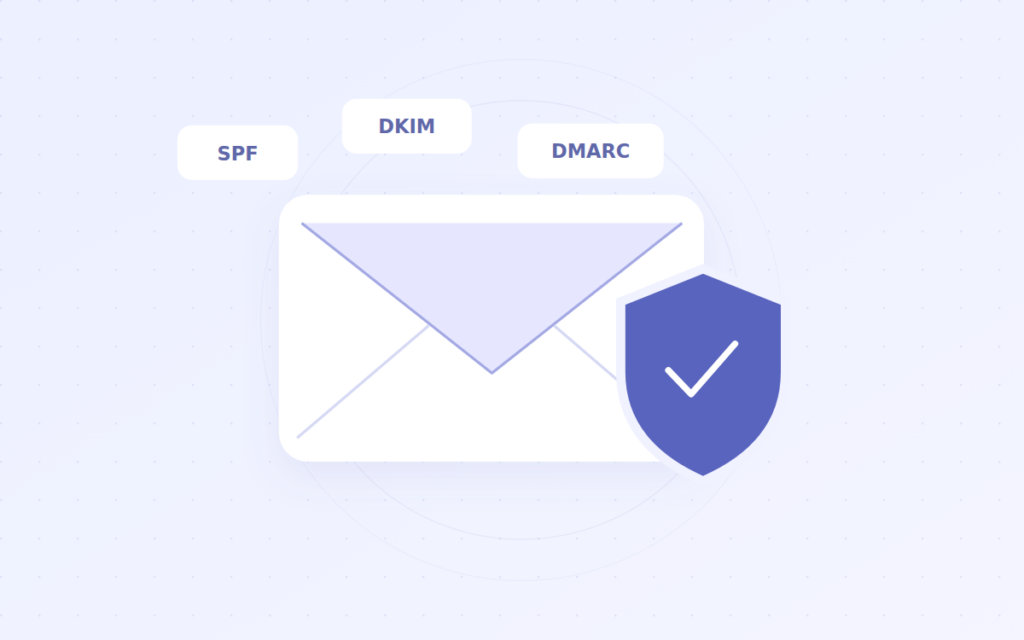
Messages using your domain may come from more than your mailbox provider. Website forms, invoicing tools, support software and marketing platforms can all send email. An SPF, DKIM and DMARC setup needs to account for every legitimate source.
Start with a list of sending services
List your mail provider, web server and third-party applications. For each service, identify the visible sender, return-path domain and supported authentication methods. An overlooked invoicing or form service may run into problems after you introduce a strict DMARC policy.
These records do not guarantee inbox placement. Sender reputation, message content, recipient preferences and other technical requirements also affect delivery.
Use SPF to identify authorized senders
SPF specifies which servers may send for the domain used in the SMTP envelope sender. Start with the value recommended by your provider. Instead of publishing multiple SPF records at the same name, combine the required senders into one valid policy.
SPF includes are not unlimited. Evaluation places a limit on mechanisms that require DNS lookups. Keeping unnecessary former providers in a policy can cause authentication failures. Test the resulting policy after you change it.
Enable DKIM signing with each service
DKIM adds a digital signature associated with your domain to outgoing messages. Your provider supplies a selector and DNS instructions. The DKIM public key is published in a DNS TXT record. Some providers ask you to add a CNAME that leads to that key record; follow the service’s specified record type and target.
Adding the DNS record may not be sufficient by itself. You may also need to enable signing in the provider’s dashboard. Inspect a test message for a dkim=pass result and the signing d= domain. Different sending services can use different selectors.
Begin DMARC with monitoring
DMARC checks alignment between the domain in the visible From address and the domain authenticated by SPF or DKIM. At least one aligned SPF or aligned DKIM result must pass for DMARC to pass.
Name: _dmarc.example.com
Type: TXT
Value: v=DMARC1; p=none; rua=mailto:[email protected]
This is an illustrative record. Replace the domain and reporting address with your own values, and prepare the reporting mailbox or service first. Reports sent to a different domain may require additional DNS authorization. p=none is a monitoring policy; it does not ask receivers to quarantine or reject mail because of DMARC.
Tighten the policy using report evidence
Consider quarantine or reject after verifying authentication and alignment for all legitimate senders. One successful test does not establish that every application is configured correctly. Sample invoices, website forms and support messages separately.
Forwarding can affect SPF results. A valid DKIM signature that survives forwarding may help in that situation. Before treating every failure in a report as an attack, check how the message was transmitted.
Keep a record of the configuration
- Document which service uses each SPF mechanism or DKIM selector.
- Remove retired services in a controlled way.
- Repeat delivery and authentication tests after DNS changes.
- Retain the previous values and a rollback step for policy changes.
Source: RFC 7208: SPF, RFC 6376: DKIM, RFC 9989: DMARC and RFC 9990: DMARC reports. Explore service options for your team on our business email page.